


It is easy to feel unsure when you receive an email that looks a bit strange. We know that feeling well. You open your inbox and something feels off, but you cannot explain why. It is frustrating and a bit worrying. The good news is that you can check if an email is real with a few simple steps. Nothing technical. Nothing confusing. Just clear checks that help you stay safe.
Below is a simple guide you can follow any time you want to see if an email is real or absolute rubbish.
1. Check the Email Address Properly
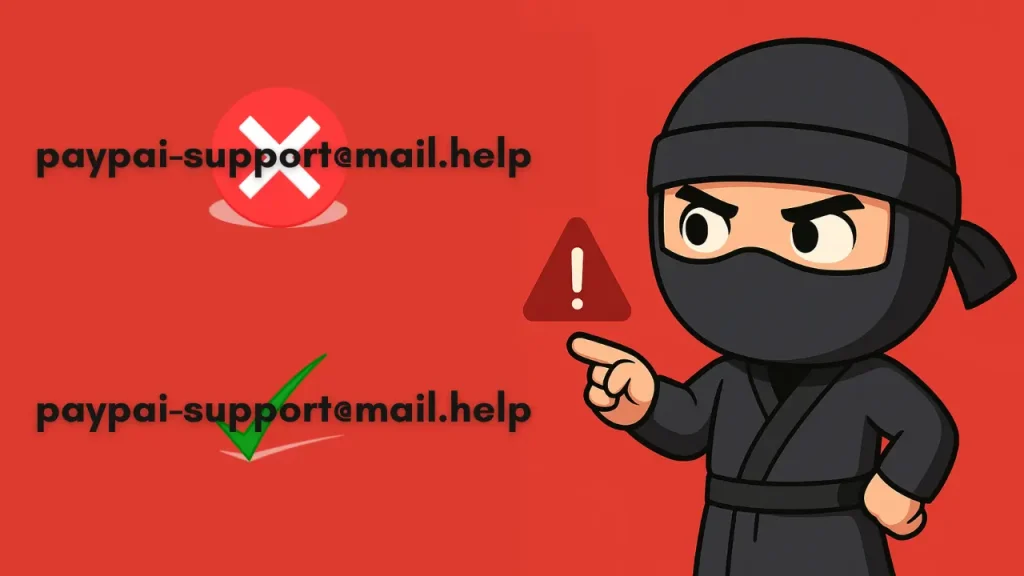
Start by looking at the sender’s address. Read it slowly. A real company uses a clean address like support@paypal.com. A fake address often has odd words, extra symbols or small spelling changes that trick your eyes. If the address feels wrong in any way, pay attention to that feeling because it usually means something is not right.
2. Look at the Display Name (But Don’t Rely on It)
The display name might say Netflix Support or Your Bank, but anyone can type that into an email app. Always click the name to reveal the real address. If the address does not match the brand, you can safely ignore the message.
3. Check the Subject Line and Tone
Fake emails often try to scare you or rush you. You might see things like “Your account will be closed” or “Confirm now”. Real companies normally keep their subject lines clear and calm. If the subject feels aggressive or dramatic, treat it with caution.
4. Look for Grammar Errors or Odd Phrases
Scam emails often contain small mistakes. The message might feel stiff or strange. Some sentences might look like they were written by someone who does not speak the same way you do. If the writing feels off, trust your instinct.
5. Inspect the Links (Without Clicking)
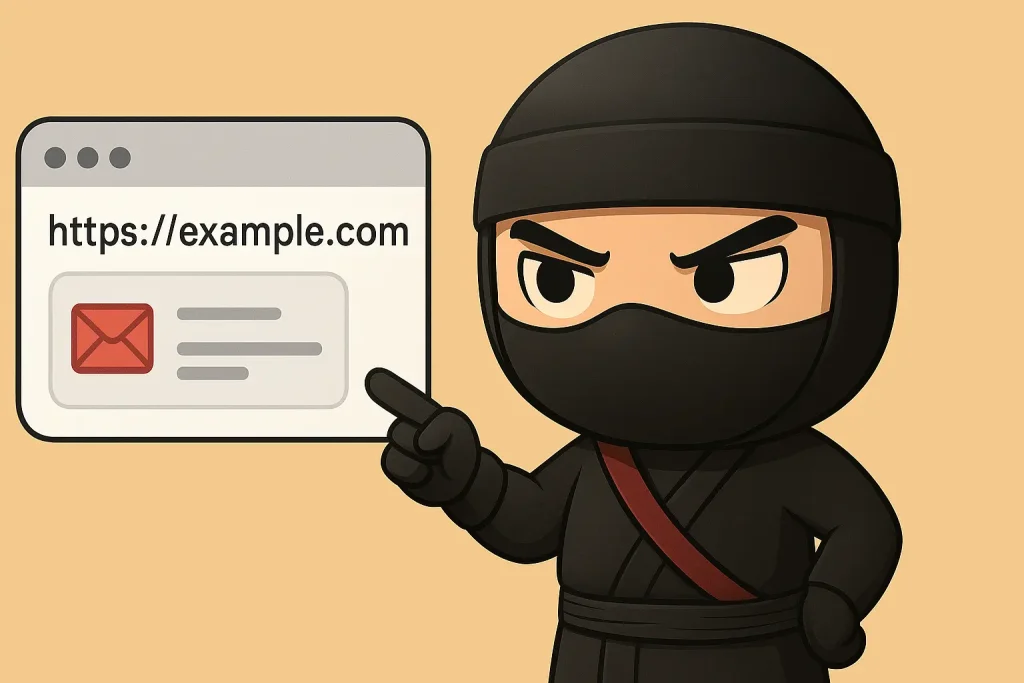
Move your mouse over any link to see where it goes. On a phone, press and hold to preview the link. A real link points to the official site. A fake link often looks slightly different. If the link feels strange, avoid it.
For example:
– Real: https://paypal.com/
– Fake: https://paypal.login-check.store/security
If the link looks wrong, leave it alone.
6. Check for odd requests
A real company will never ask for your password, your PIN, your full card number or any sensitive information in an email. If the message asks for anything private, remove the email and keep yourself safe.
7. Verify the Email Header (Advanced Users)
If you want to dig deeper, open the email header. It tells you the real source of the email.
You can use free online header tools to check:
– where the email came from
– whether it passed authentication checks like SPF, DKIM, and DMARC
If any of these fail, the email is likely fake.
8. Use an Email Verification Tool
Sometimes you just want a quick way to check if an email even exists.
Email checker tools help with that. They run a simple check on the server and tell you if the address is active or fake.
Many people use these tools to filter leads, clean mailing lists, or check business enquiries. One tool that feels easy to use is Mailtester Ninja. It gives a fast result without making things tricky, so it’s handy when you’re in a rush or you don’t want to deal with anything too technical.
These tools save time and stop you replying to fake contacts.
9. Search the Email Address Online
After checking with a tool like Mailtester Ninja, you can also search the address online to see if others have flagged it. This helps you spot fake senders early. If you see warnings or scam reports linked to that address, stay away from it.
You do not need to be a technical person to check if an email is real. You only need a calm mind and simple steps. Once you start using these checks, you will feel more confident and safer online. It feels good to know you can protect yourself without stress or fear.
FAQ – How to Check If an Email Is Valid with MailTester.Ninja
What does it mean for an email address to be valid?
An email is valid when its format is correct, the domain is active, and the mailbox can receive messages, which MailTester.Ninja helps you confirm.
How can I quickly check if an email is valid?
Enter the address into MailTester.Ninja and run a check to validate syntax, domain/MX records, and mailbox availability in a few seconds.
Does MailTester.Ninja send a real email to validate an address?
No, MailTester.Ninja simulates a safe SMTP handshake without sending a real email, so the recipient is never disturbed.
What checks does MailTester.Ninja perform on an email?
MailTester.Ninja checks email syntax, DNS and MX records, then tests the SMTP server to confirm if the mailbox actually exists.
Why should I validate emails before sending a campaign?
Using MailTester.Ninja before a campaign reduces bounce rate, improves deliverability, and protects your sender reputation.
How often should I re-check if my email list is valid?
MailTester.Ninja recommends validating your list before each major campaign and every few months to keep your data clean.